Choosing the right marketing software can feel overwhelming. With countless options promising explosive growth, how do you know which tools will actually move the needle for your small business without draining your budget? This guide cuts through the noise and provides a clear, actionable roadmap to building a powerful, affordable marketing stack. The goal is to stop the guesswork and equip you with the best marketing tools for small business operations that deliver measurable results.
We’ve evaluated and compiled 12 essential platforms across key categories, from website design and SEO to social media management and e-commerce. This isn’t just another feature list. For each tool, we provide a detailed breakdown focused on practical application. You’ll find:
- Actionable insights and specific use-case scenarios.
- Honest pros and cons to manage your expectations.
- Clear pricing tiers to fit your budget.
- “Best for” recommendations to match the tool to your business type.
- Tips for integrating each platform with your website and local SEO workflow.
Our analysis focuses on the tangible benefits and key differences between popular options, helping you understand the real-world implications of choosing one tool over another. We’ll show you exactly how platforms like HubSpot, Semrush, and Canva can be integrated to create a cohesive marketing engine that saves you time and drives revenue. Each review includes screenshots for visual context and direct links to get you started immediately. We begin with the single most important marketing asset you own: your small business website.
1. Small Business Website Design
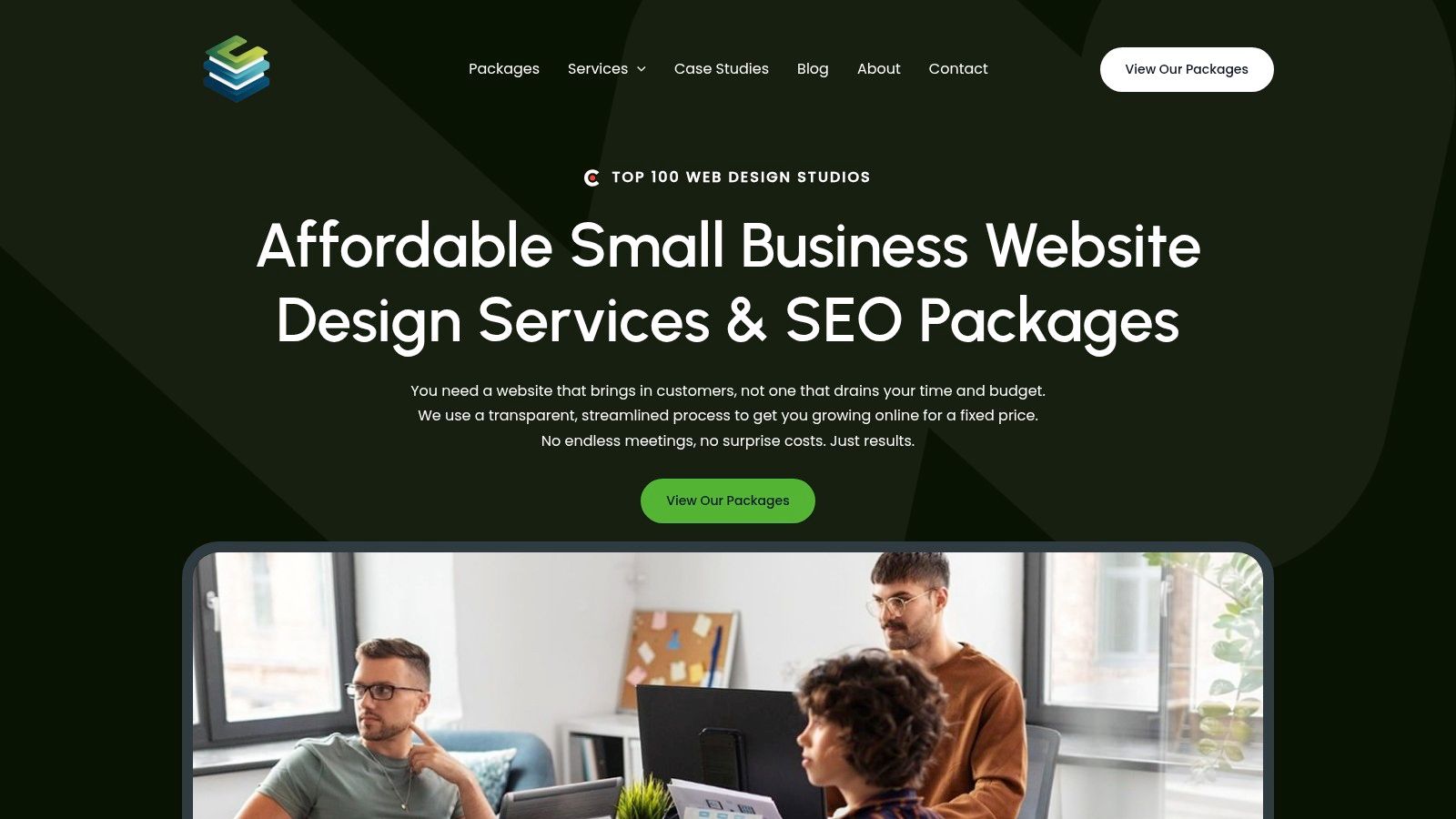
For a small business, a website isn’t just a digital brochure; it’s the central hub of all marketing efforts and a primary engine for growth. Small Business Website Design stands out as a top-tier choice because it treats website creation not as a purely aesthetic exercise, but as a core marketing function. This service combines professional, conversion-focused web design with foundational SEO from day one, ensuring your site doesn’t just look good but is built to be found by customers and generate leads.
This integrated approach is the key difference between this service and DIY builders or design-only agencies. The implication of this difference is significant: while many services deliver a visually appealing site, they often leave the critical work of ranking on Google as an expensive afterthought. Small Business Website Design builds its sites on a framework of local and on-page SEO, content strategy, and mobile-first indexing, directly addressing the biggest hurdle for small businesses: online visibility. The practical benefit is that your investment works harder, turning your website into a reliable asset that actively attracts and converts traffic from day one.
Why It’s a Top Choice for Small Businesses
The agency’s model is deliberately structured to meet the specific needs of small businesses: speed, transparency, and results. Instead of opaque hourly billing and lengthy timelines, they use fixed-price packages and a streamlined 2-6 week development process. This predictability is an invaluable benefit for owners who need to manage budgets and timelines carefully.
The core benefit is getting a professional, SEO-optimized website that acts as a 24/7 salesperson for your business, without the complexities and surprise costs often associated with web development.
Case studies demonstrate tangible outcomes, such as a plumber achieving the #1 spot in Google Maps within 90 days and a retailer seeing a 110% increase in online orders. These practical examples underscore the effectiveness of their integrated design and SEO methodology. For more insights on this approach, explore their guide to effective website design tips for small businesses.
Key Features & Differentiators
| Feature | Practical Implication for Small Business |
|---|---|
| Integrated SEO | Your website is built to rank from launch, saving you time and money on future SEO work and driving organic traffic sooner. |
| Fixed-Price Packages | Eliminates financial uncertainty. You know the full cost upfront, allowing for precise budget allocation without fear of scope creep. |
| Fast 2–6 Week Launch | Quickly establishes or upgrades your online presence, allowing you to start marketing and capturing leads without long delays. |
| Monthly Care Plans | Offloads the technical burden of updates, security, and backups, freeing you to focus on running your business. |
Best For:
- Local service providers (plumbers, electricians, lawyers) who rely on local search.
- Startups needing a professional, scalable web presence quickly.
- Small retailers and e-commerce shops aiming to increase online sales.
Pricing: Fixed-price packages are available. Specific tiers and costs are detailed on the agency’s website.
Pros:
- Results-Oriented: Combines design with SEO to directly impact leads and sales.
- Transparent Process: Fixed pricing and clear timelines remove common frustrations.
- Small Business Focus: Solutions are practical and affordable, avoiding enterprise-level complexity.
- Ongoing Support: Optional care plans ensure the site remains secure and functional long-term.
Cons:
- Not ideal for large enterprises with complex, custom platform needs.
- Pricing is package-based, so you must visit their site for specific figures.
Visit Small Business Website Design
2. HubSpot Marketing Hub
HubSpot Marketing Hub is an all-in-one marketing platform that stands out by tightly integrating its powerful marketing tools with a native CRM. For small businesses, the primary benefit is managing email campaigns, social media, landing pages, and lead-capture forms from a single dashboard, with all customer data automatically feeding into one central contact record. The key difference compared to using separate tools is the elimination of data silos, providing a single source of truth for your customer interactions.
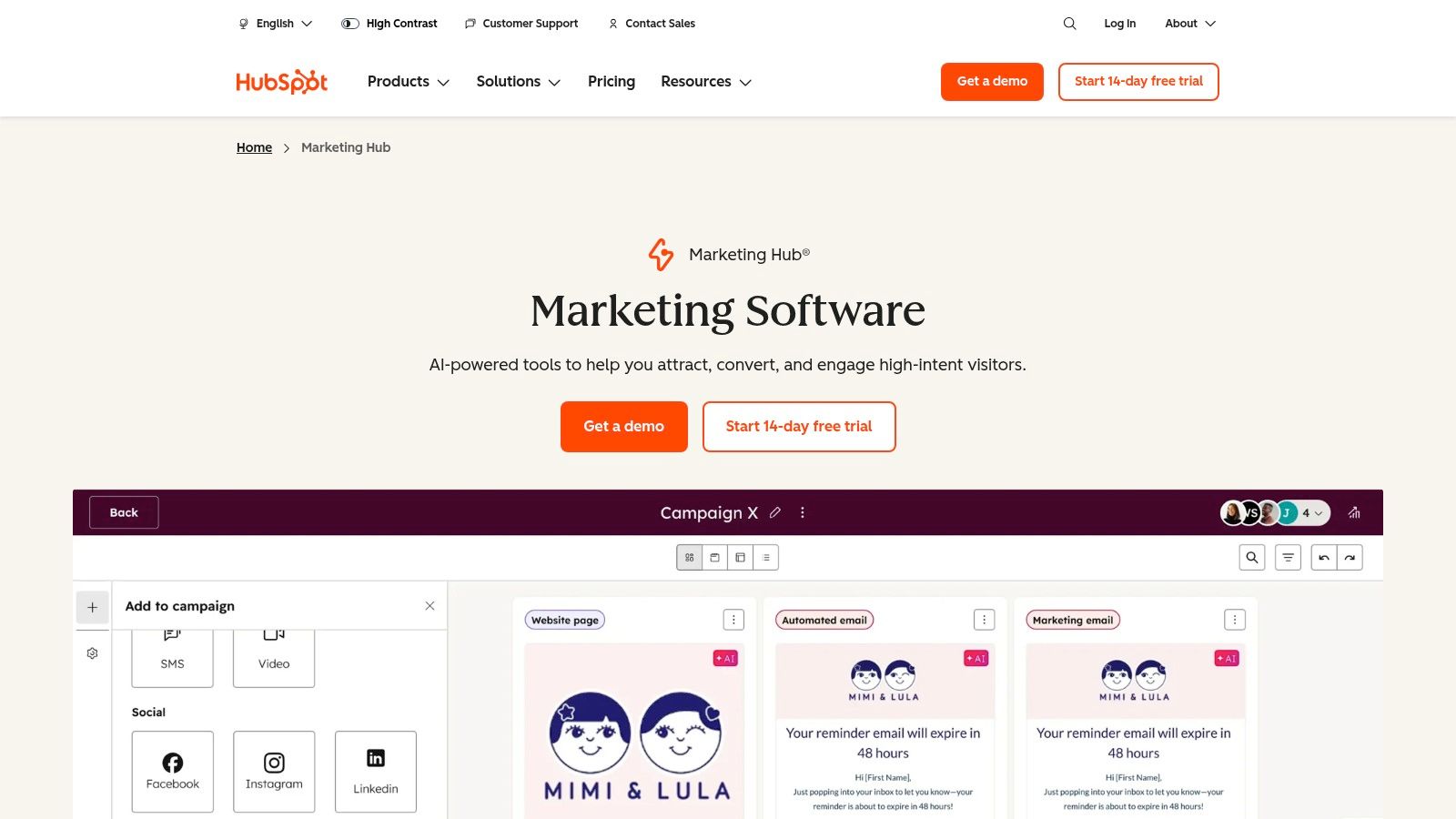
Unlike standalone email providers, HubSpot’s power lies in its scalability. A practical example is starting with its robust free plan, which includes the CRM, email marketing, and forms, and then upgrading as your business grows to access advanced features like marketing automation. This clear growth path is a significant benefit, making it one of the best marketing tools for small businesses planning for future expansion without the pain of migrating systems.
Key Details & Pricing
- Primary Use: Centralized CRM-driven marketing (email, social, ads, landing pages).
- Best For: Businesses wanting an integrated platform that scales from free to enterprise-level.
- Pricing:
- Free Tools: Includes CRM, email marketing (2,000 sends/mo), forms, and live chat.
- Starter: From $18/month, adds more features and removes HubSpot branding.
- Professional: From $800/month, adds automation, blogging, and advanced reporting.
Implementation & Local SEO Tips
Integrating HubSpot with your website is straightforward using its WordPress plugin or by embedding tracking code. For an actionable insight, use HubSpot forms on your location-specific pages to capture leads and tag them by geographic area in the CRM. The practical implication is you can then create targeted email campaigns for local customers, promoting special offers or events specific to their region, directly from the platform.
3. Mailchimp
Mailchimp is one of the most recognized names in email marketing, renowned for its user-friendly interface that lets small businesses launch professional email campaigns quickly. Its core strength and main benefit is its powerful drag-and-drop email builder and extensive template library, which demystifies the process. A key comparison to HubSpot is that Mailchimp maintains a laser focus on being an exceptional email tool, whereas HubSpot aims to be an all-in-one suite.
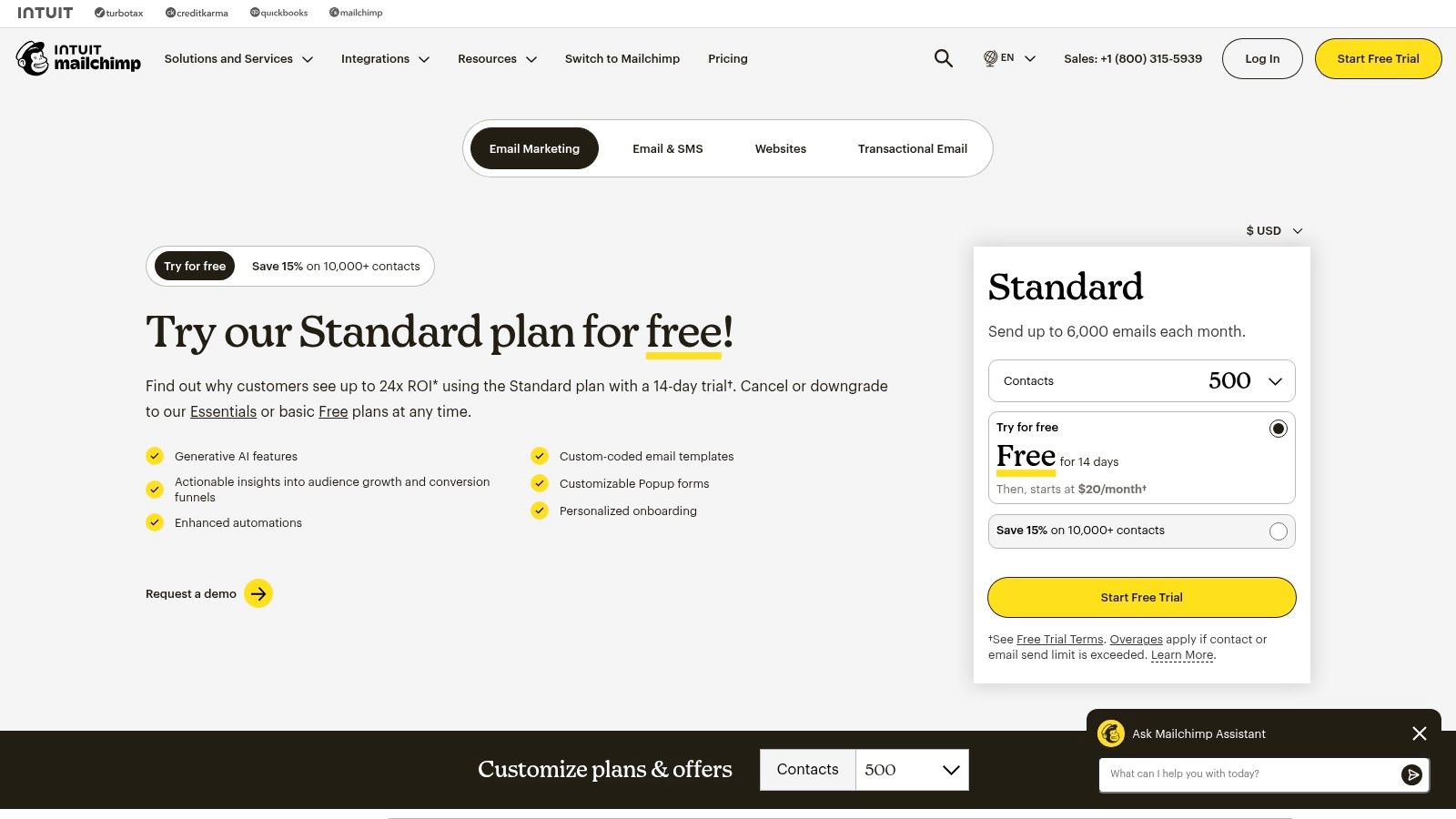
The implication for small businesses is clear: if your primary need is a dedicated, high-quality email solution, Mailchimp is often the more direct and cost-effective choice. A practical example is a local cafe that just needs to send a weekly newsletter and promotional offers. While Mailchimp offers a basic CRM and landing pages, its true value is in its refined email capabilities and vast integration ecosystem, allowing it to connect seamlessly with platforms like Shopify or WordPress.
Key Details & Pricing
- Primary Use: Email marketing, audience segmentation, and basic automation.
- Best For: Small businesses prioritizing a user-friendly and powerful email marketing platform.
- Pricing:
- Free: Up to 500 contacts and 1,000 sends/month with limited features.
- Essentials: From $13/month, adds A/B testing and removes Mailchimp branding.
- Standard: From $20/month, adds advanced automation journeys and predictive segmentation.
Implementation & Local SEO Tips
Integrating Mailchimp is as simple as adding a sign-up form block to your website. Here’s an actionable insight for local SEO: create unique audience segments based on the city or zip code collected in your sign-up forms. You can then use these segments to send geo-targeted campaigns, such as announcing a new service available only in a specific neighborhood or promoting a local in-store event, making your marketing highly relevant to a local audience.
4. Canva (Pro/Business)
Canva is a versatile creative toolkit that empowers small businesses to produce high-quality marketing assets without needing a dedicated designer. Its main benefit lies in making graphic design accessible. For example, a restaurant owner can create a professional-looking menu, social media post, and event flyer in under an hour using pre-built templates. The Brand Kit feature is a game-changer for consistency, allowing you to pre-load logos, fonts, and colors for easy application.
The key difference when comparing Canva to professional software like Adobe Photoshop is its focus on speed and ease of use over granular control. The implication for small teams is that a marketing manager or business owner can produce visuals in minutes, not hours. This agility makes it one of the best marketing tools for rapid content production and maintaining a polished brand presence online without a steep learning curve or high software cost.
Key Details & Pricing
- Primary Use: Fast creation of branded visual content (social media graphics, ads, flyers, videos).
- Best For: Teams needing to consistently produce on-brand marketing materials without hiring a graphic designer.
- Pricing:
- Free: Basic editor with limited templates and stock assets.
- Pro: From $14.99/month for one person, adds Brand Kit, premium templates, and advanced AI tools.
- Teams: From $29.99/month for the first 5 people, adds collaboration features like real-time comments and approval workflows.
Implementation & Local SEO Tips
Canva is a standalone content creation platform requiring no technical website integration. For an actionable local SEO tip, use Canva to design visually appealing flyers or special offers for your service area. Export these as high-quality JPEGs and embed them on your local landing pages or share them on your Google Business Profile. This practical step helps attract and engage a local audience with professional, eye-catching graphics.
5. Semrush
Semrush is a comprehensive SEO platform designed to give small businesses a competitive edge in search results. Its key benefit is providing the data needed to understand exactly how competitors are ranking and what it takes to outperform them. The crucial difference between Semrush and simpler keyword tools is its depth of competitive intelligence. For example, you can analyze a competitor’s domain to see their top organic keywords, backlink profile, and even their paid ad strategy.
The practical implication of this is that you can reverse-engineer successful strategies and find content gaps in your own approach. For instance, a local law firm could discover that a rival ranks high for “car accident lawyer [city name]” because of specific blog posts and backlinks, providing a clear roadmap for their own content strategy. While it has a steeper learning curve, its robust dataset makes it one of the best marketing tools for businesses that rely on search visibility for growth.
Key Details & Pricing
- Primary Use: All-in-one SEO, content, and competitive market research.
- Best For: Businesses ready to invest seriously in their SEO and content marketing ROI.
- Pricing:
- Free Account: Limited access to some tools.
- Pro: From $129.95/month, includes core SEO, PPC, and research tools.
- Guru: From $249.95/month, adds historical data, content marketing toolkit, and branded reports.
Implementation & Local SEO Tips
Semrush requires no direct website code; you simply enter your domain to start analyzing. For an actionable insight, use the Position Tracking tool to monitor your rankings for specific keywords in your city or zip code. The Listing Management add-on helps you standardize your business information across dozens of local directories. This ensures consistency, a critical local ranking factor. For a deeper dive, you can explore comprehensive small business SEO services that leverage these tools.
6. Buffer
Buffer is a streamlined social media management tool that excels in simplicity and affordability. The primary benefit for small businesses is its ability to schedule posts across multiple networks from a single dashboard, saving significant time. A practical example: a solo entrepreneur can dedicate one hour on Monday morning to schedule an entire week’s worth of content for Facebook, Instagram, and LinkedIn, ensuring a consistent online presence.
When compared to more complex suites like Sprout Social or Hootsuite, Buffer’s key difference is its intuitive user experience and transparent pricing. The implication is that you avoid paying for enterprise-level features you may not need. Its generous free plan and straightforward per-channel pricing model make it one of the best marketing tools for small businesses looking for an efficient, no-frills scheduling solution.
Key Details & Pricing
- Primary Use: Social media scheduling and content publishing.
- Best For: Small businesses and solopreneurs needing an affordable, easy-to-use tool for managing a few social media channels.
- Pricing:
- Free: Manage up to 3 channels with 10 scheduled posts per channel.
- Essentials: From $6/month per channel, adds engagement tools and advanced analytics.
- Team: From $12/month per channel, adds collaboration tools and custom reports.
Implementation & Local SEO Tips
Connecting social media profiles to Buffer takes just a few clicks. For a practical local SEO insight, use Buffer to consistently schedule posts that highlight your location. For example, post photos of your storefront, feature local customer testimonials, tag other local businesses to build community connections, and use location-specific hashtags. This steady stream of localized content sends positive signals to search engines about your business’s relevance to a specific geographic area.
7. Shopify
Shopify is an e-commerce platform that doubles as a powerful marketing suite. Its core benefit is the all-in-one integration of your storefront, inventory, and marketing activities. A key comparison is Shopify vs. WordPress with WooCommerce: while WooCommerce offers more customization, Shopify provides a more streamlined, out-of-the-box solution where marketing tools like email campaigns and abandoned cart automations are natively integrated, reducing technical complexity.
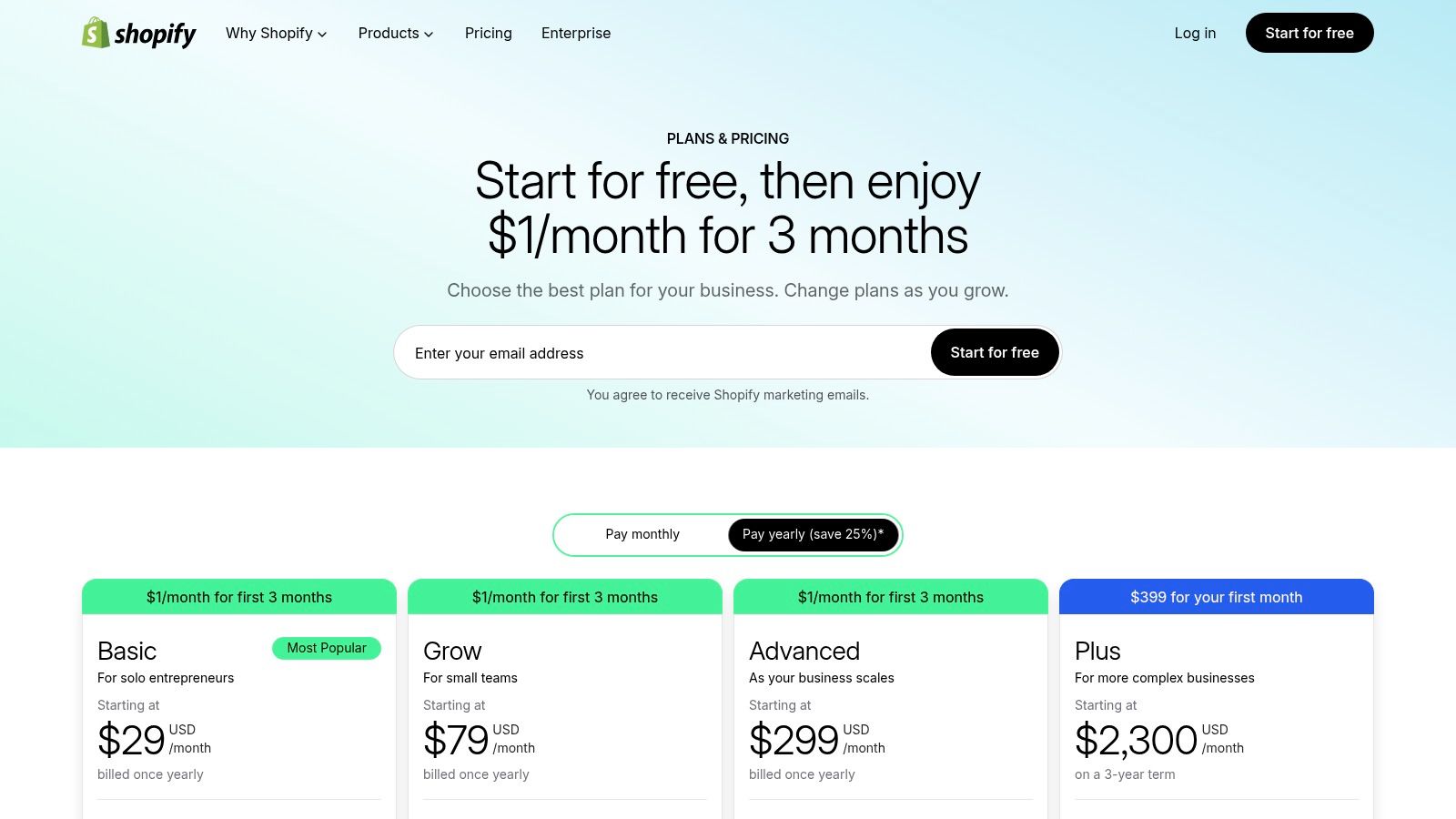
The implication for a small business is that you can manage everything directly from your sales and customer data hub. The platform’s commercial engine combined with its extensive app ecosystem is its unique strength. A practical example: a small boutique can install a loyalty program app from the Shopify App Store in minutes and immediately start rewarding repeat customers, a task that would require custom development on other platforms. This flexibility makes it ideal for businesses that need a robust sales foundation with the ability to add advanced marketing capabilities as they grow. If you’re deciding on a platform, you can learn more about how Shopify compares to other e-commerce options.
Key Details & Pricing
- Primary Use: Integrated e-commerce and marketing (email, social selling, automations).
- Best For: Retail and e-commerce businesses that want marketing tools built directly into their sales platform.
- Pricing:
- Basic: From $29/month, includes core e-commerce, Shopify Email, and sales channels.
- Shopify: From $79/month, adds professional reports and lower transaction fees.
- Advanced: From $299/month, adds custom reporting and the lowest transaction fees.
Implementation & Local SEO Tips
Integrating Shopify is as simple as signing up and following the store setup guide. For an actionable local SEO insight, optimize your product descriptions and blog posts with location-specific keywords. Use a local delivery or in-store pickup app to signal your physical presence to search engines. The practical benefit is you can also create targeted discounts for local postal codes and promote them using Shopify Email to drive both foot traffic and online orders from nearby customers.
8. Shopify App Store (Marketing Category)
For businesses on Shopify, the App Store is an essential resource, not just a single tool. Its primary benefit is providing a curated marketplace to add powerful marketing functionalities directly into your store with one-click installations. The key difference compared to searching for third-party tools independently is the seamless integration and centralized billing through your Shopify account. This consolidation is a game-changer for entrepreneurs who need to quickly implement new marketing tactics.
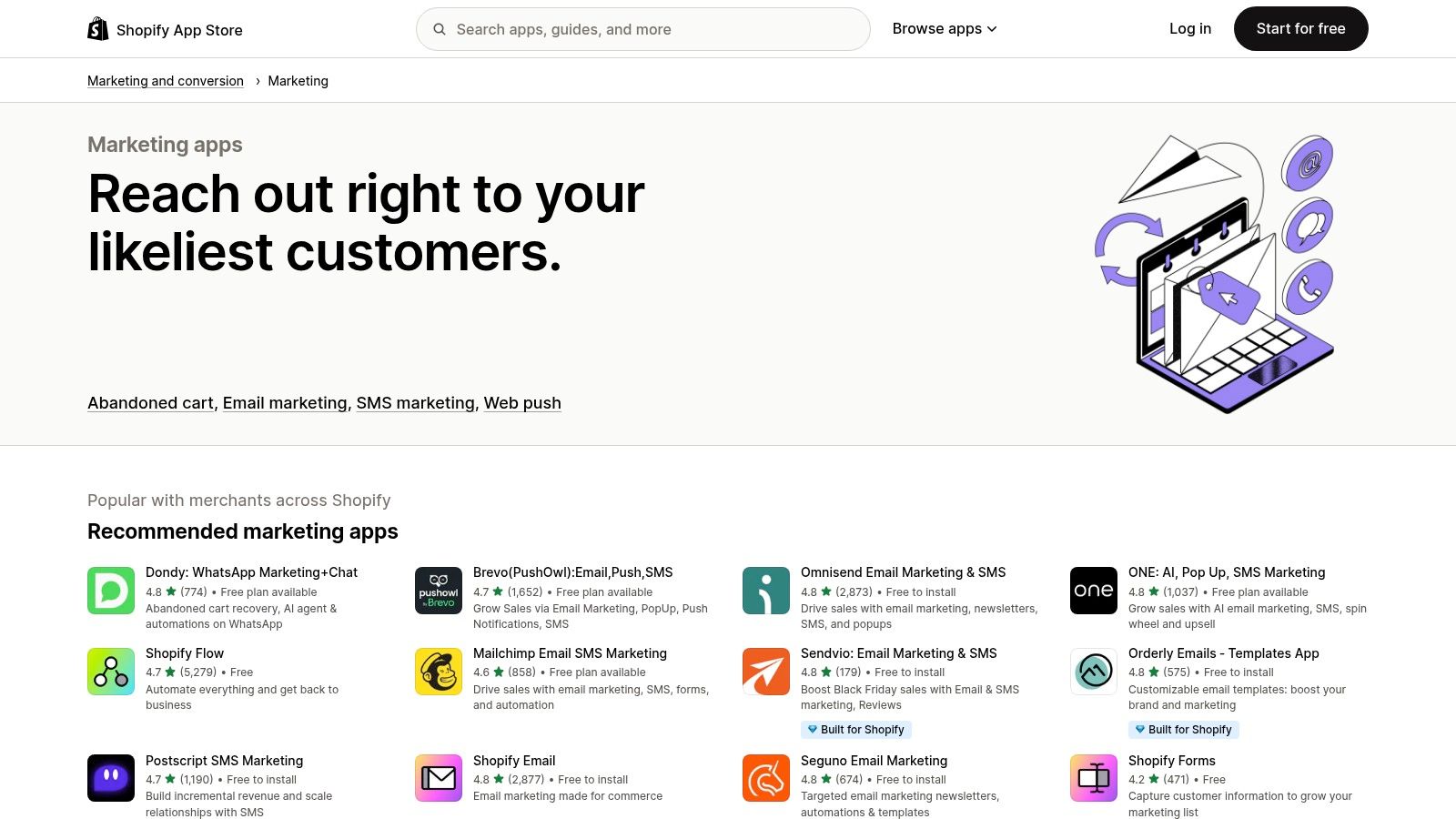
The practical implication is that you can avoid complex and costly integrations. A great example is finding an app for SMS marketing: you can install it, import your customer list, and send your first campaign within an hour. The App Store’s user-generated reviews and “Built for Shopify” badges help you vet apps for quality. The sheer volume of apps with free plans or trials makes it one of the best marketing resources for experimenting and finding the perfect-fit tools without significant upfront investment.
Key Details & Pricing
- Primary Use: Discovering and integrating marketing apps (email, SMS, reviews, loyalty) into a Shopify store.
- Best For: E-commerce businesses on Shopify that need to quickly add specialized marketing functionality.
- Pricing:
- Varies widely by app.
- Many apps offer a Free Plan or a Free Trial period.
- Paid plans can be fixed monthly fees or usage-based, billed through your Shopify subscription.
Implementation & Local SEO Tips
App installation is typically a single click. Here’s an actionable insight: for local SEO, search for and install apps that enhance local delivery options or location-based promotions. A practical example is using a pop-up app to offer a special discount to visitors from specific geographic IP addresses. This not only encourages local sales but also helps boost your local search visibility and relevance.
9. Google Ads
Google Ads is the leader in pay-per-click (PPC) advertising, and its primary benefit is offering direct access to customers actively searching for your products or services. Its strength lies in capturing high-intent demand. The crucial difference between Google Ads and social media ads is targeting intent vs. interest. When someone searches “plumber near me,” your ad can appear at the exact moment of need, a powerful advantage for driving immediate, measurable growth.
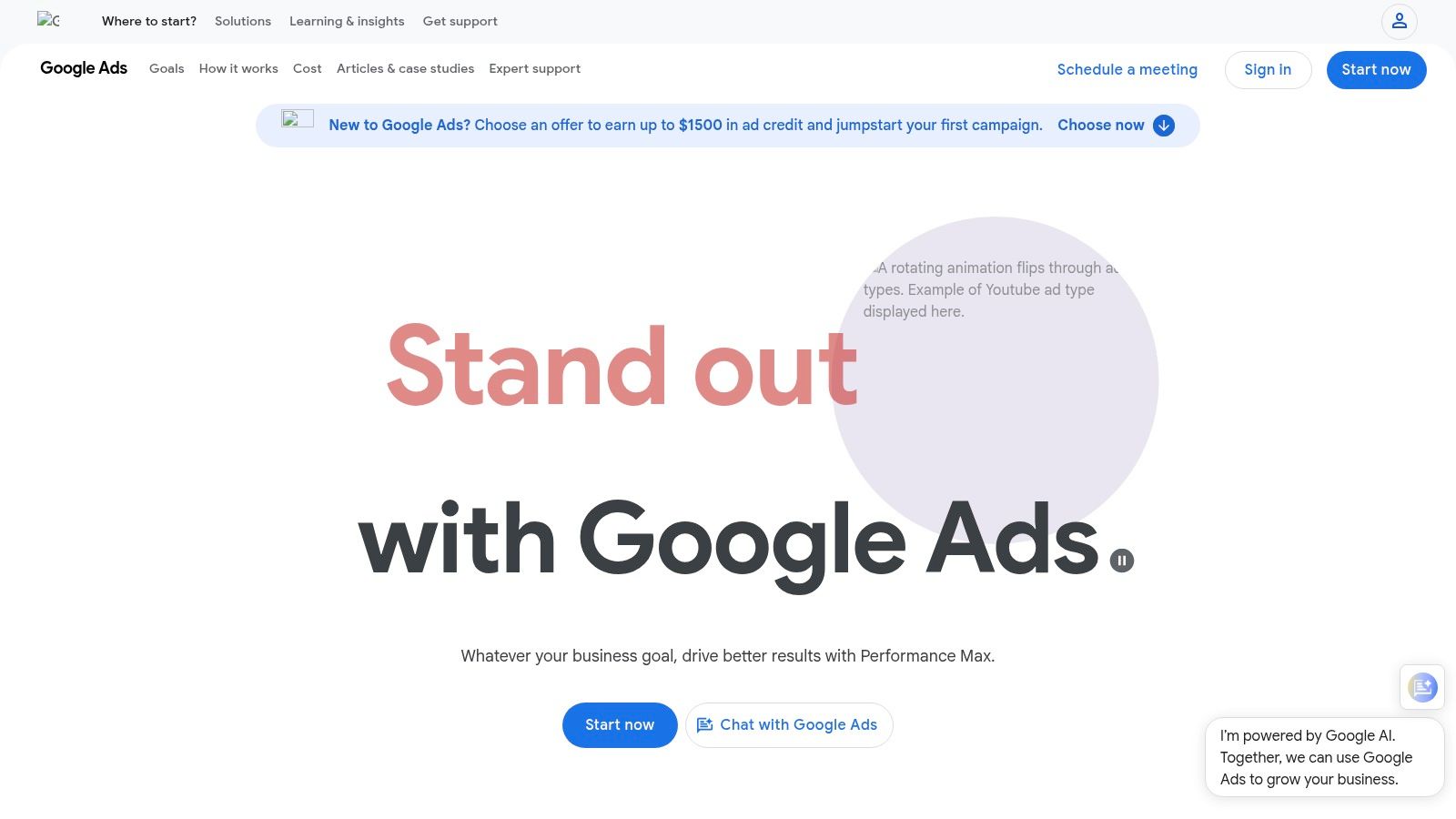
The practical implication for a small business is the ability to drive targeted traffic on demand, moving beyond the slower pace of organic efforts. The platform’s immense reach gives you unparalleled targeting options. For example, a local bakery can run ads that only show to people within a 5-mile radius during lunch hours. While it has a steeper learning curve than other tools, its granular control over budget and audience makes it a powerful engine for acquiring customers.
Key Details & Pricing
- Primary Use: High-intent lead generation and sales through search, display, and video ads.
- Best For: Businesses needing immediate, targeted traffic and those with a clear customer search journey.
- Pricing:
- No Platform Fee: You only pay when someone clicks your ad (CPC) or sees it (CPM).
- Flexible Budgets: Set your own daily budget and ad spend, starting with as little as a few dollars per day. Costs are auction-based and vary by industry.
Implementation & Local SEO Tips
Connect your Google Ads account to Google Analytics 4 (GA4) to track conversions accurately. For an actionable local SEO tip, create campaigns with location targeting set to a specific radius around your business. Use location-specific keywords in your ads (e.g., “HVAC repair in Brooklyn”) and link them to corresponding landing pages. The practical benefit is that you only pay for clicks from potential customers in your service area, maximizing your return on investment.
10. Meta Ads Manager (Facebook & Instagram)
Meta Ads Manager is the native ad platform for Facebook and Instagram. Its core benefit is its unparalleled audience data, allowing you to connect with users based on demographics, interests, and behaviors. The key difference compared to Google Ads is its strength in creating demand rather than capturing it. It’s an essential tool for discovery and customer retargeting, especially for visual-first businesses.
A practical example of its power is building “lookalike” audiences to find new customers who resemble your best existing ones. A local clothing boutique, for instance, can upload its customer email list and have Meta find similar users in their area. The implication is you can proactively reach potential customers who haven’t heard of you yet but are likely to be interested. While performance can be volatile, its ability to drive brand awareness and direct response for B2C businesses is hard to match.
Key Details & Pricing
- Primary Use: Paid social advertising (brand awareness, lead generation, retargeting).
- Best For: Visual-centric B2C businesses, local services, and e-commerce stores.
- Pricing:
- Self-Serve: Completely flexible; you set your own daily or lifetime budget.
- Billing: Billed based on ad delivery (cost per click or cost per impression).
- Minimum Spend: Starts as low as a few dollars per day.
Implementation & Local SEO Tips
Connect Meta Ads to your website by installing the Meta Pixel code to track conversions. For a practical local business insight, use the “Store Traffic” or “Local Awareness” campaign objectives. You can target users within a specific zip code or a mile radius around your address. The practical benefit is driving actual foot traffic, not just online clicks, reinforcing your local presence.
11. Amazon Ads
For any small business selling on Amazon, using Amazon Ads is non-negotiable for gaining visibility. The primary benefit is placing your products directly in front of customers at the digital point-of-sale. The key difference compared to other ad networks is that every dollar targets users with immediate purchase intent within the Amazon ecosystem, providing a direct and measurable impact on revenue.
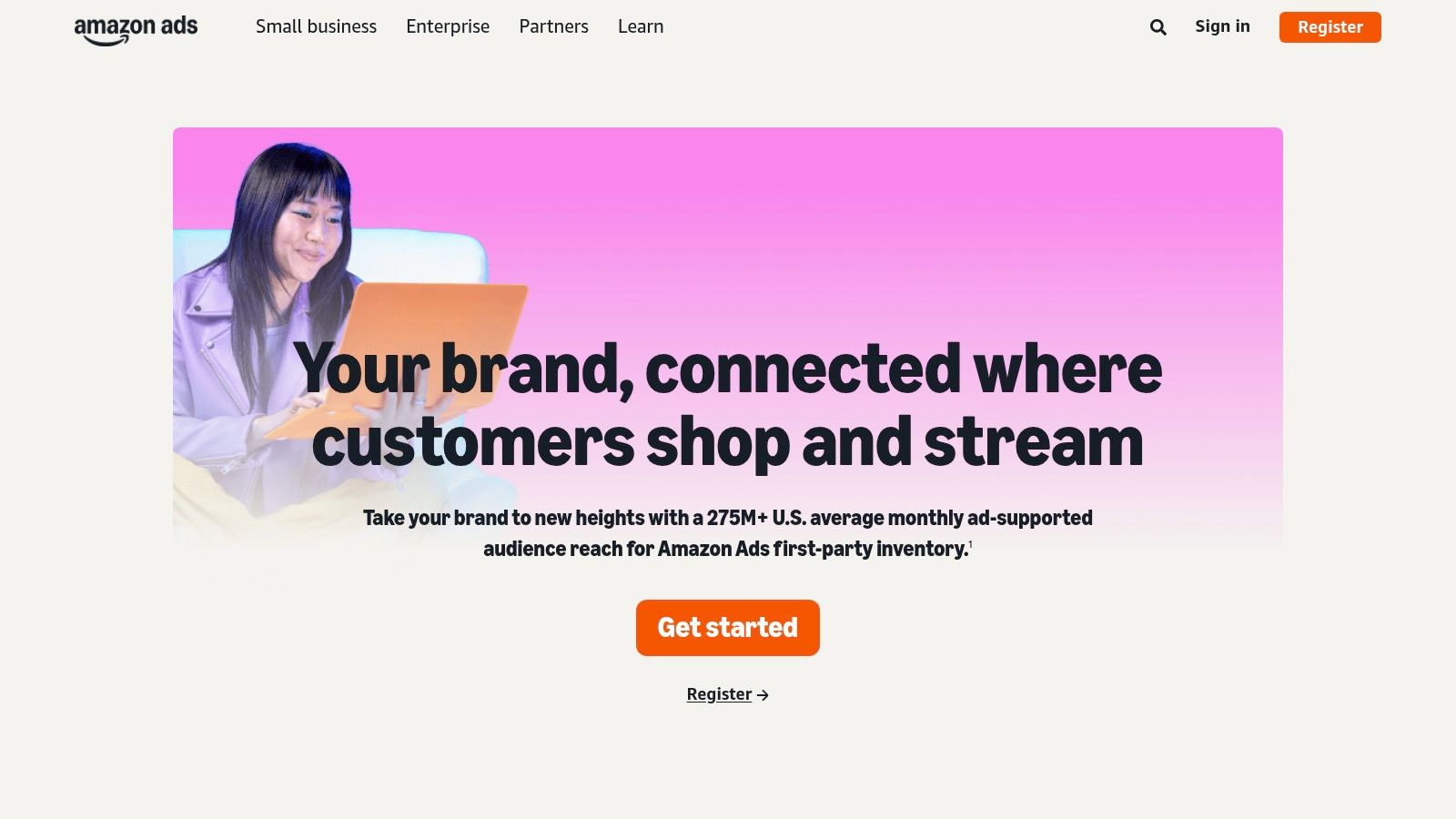
Its strength lies in its CPC (cost-per-click) model for Sponsored Products, where you only pay when a shopper clicks your ad. The implication is that it’s a cost-effective tool for managing budgets carefully. A practical example: a new seller of coffee beans can start with a small $10/day budget targeting keywords like “organic whole bean coffee” and scale up as they identify which keywords deliver the best return on ad spend (ROAS). This performance-based approach minimizes risk while maximizing exposure.
Key Details & Pricing
- Primary Use: E-commerce advertising to drive product sales on Amazon.
- Best For: Small businesses and brands selling physical products on the Amazon marketplace.
- Pricing:
- Pay-Per-Click: No monthly fee; you set your own daily budget and bids (e.g., from $5/day).
- Professional Seller Account: Required for advertising, which costs $39.99/month.
- DSP/Managed Services: Available for larger budgets, often with high minimums.
Implementation & Local SEO Tips
To start, you need a Professional Seller account. While Amazon Ads is primarily for e-commerce, here’s a practical tip for businesses with a local retail presence: use your free Amazon Brand Store as a centralized hub for your product line. You can then promote your store in local marketing materials (like in-store flyers) using QR codes that link directly to your Amazon listings. This bridges the gap between your local customer base and your online sales channel.
12. AppSumo
AppSumo isn’t a single tool but a marketplace offering lifetime and heavily discounted deals on emerging SaaS products. The core benefit for budget-conscious small businesses is accessing powerful software for a one-time fee, eliminating recurring monthly subscriptions. The key difference from traditional software vendors is the opportunity for discovery and extreme affordability, allowing you to experiment with new technologies without significant financial risk.
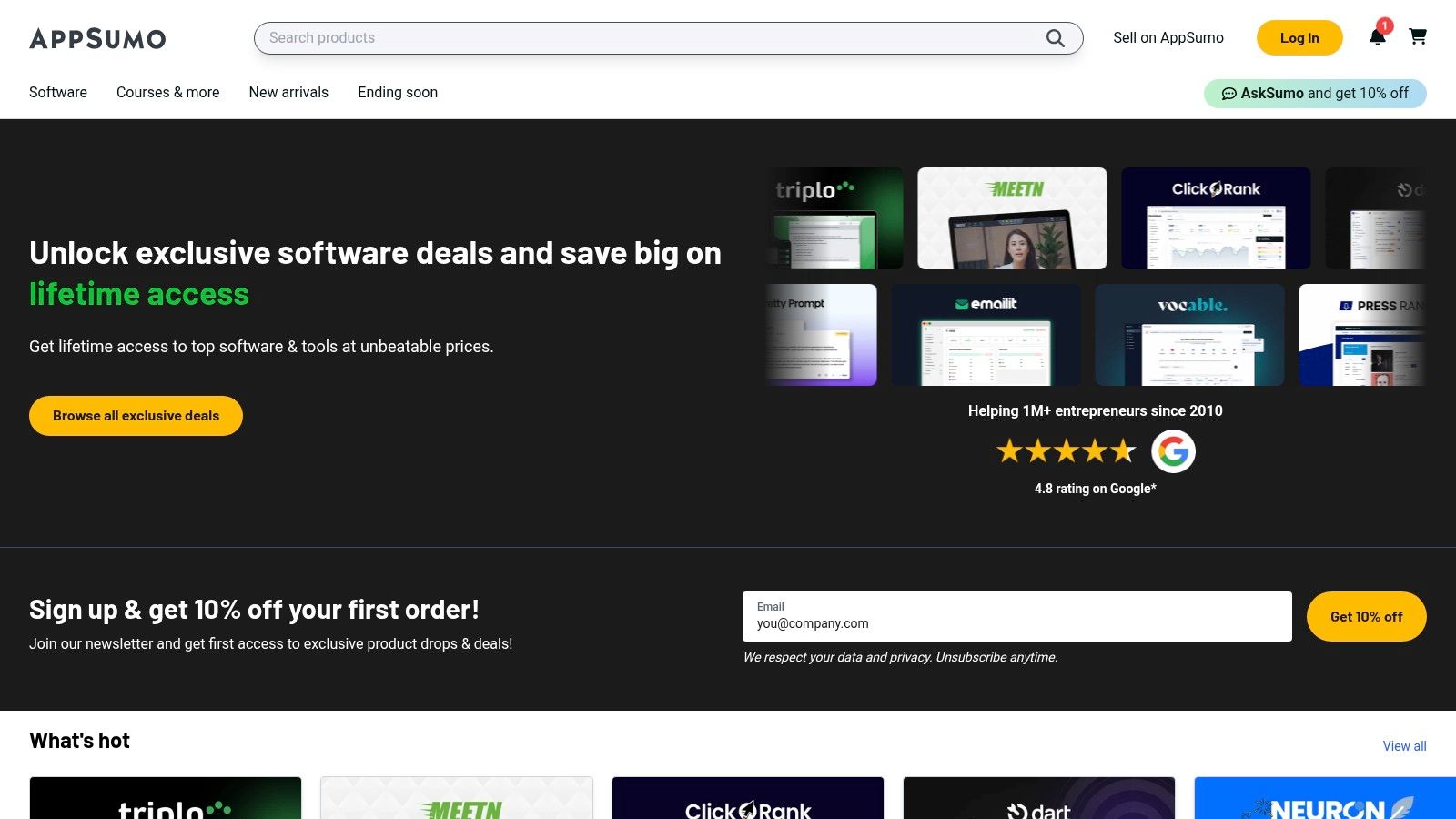
The practical implication is you might find a niche AI-powered content writer or a lead generation tool for a fraction of its future price. A real-world example would be purchasing lifetime access to a social media analytics tool for $59, saving hundreds of dollars per year compared to a competitor’s monthly subscription. The key is to vet products carefully, but the potential savings make it one of the best resources for maximizing your software budget and gaining a competitive edge.
Key Details & Pricing
- Primary Use: Discovering and purchasing lifetime deals on marketing and business software.
- Best For: Startups and small businesses wanting to build a robust marketing toolkit on a limited budget.
- Pricing:
- Deals: One-time payments for lifetime access, typically ranging from $39 to several hundred dollars.
- AppSumo Plus: $99/year for 10% off purchases and access to exclusive perks.
- Refunds: Most deals include a 60-day money-back guarantee, allowing for risk-free trials.
Implementation & Local SEO Tips
Implementation varies for each tool purchased. For an actionable insight, watch for deals on tools specializing in review management or local rank tracking. A practical example: a lifetime deal on a reputation management platform could allow you to consolidate and respond to reviews across multiple local directories without adding another monthly expense. This single purchase could solve a major local marketing challenge affordably.
Top 12 Small-Business Marketing Tools Comparison
| Service | Core offering | Target audience | Unique selling points / Value | Pricing & time-to-launch |
|---|---|---|---|---|
| Small Business Website Design | Conversion-first website design + integrated local & on-page SEO; monthly care plans | Local service providers, small retailers, startups, solo founders | Fixed-price packages; fast launches; proven SEO + conversion results; ongoing maintenance | Fixed-price packages; typical builds 2–6 weeks; monthly care plans available |
| HubSpot Marketing Hub | CRM‑connected marketing: email, landing pages, automation, ads, analytics | SMBs needing an all‑in‑one scalable marketing stack | Native CRM + automation; strong ecosystem and training | Starts free; paid Professional/Enterprise tiers with onboarding fees; contact/seat pricing |
| Mailchimp | Email marketing, journeys, templates, landing pages; optional SMS | SMBs focused on email campaigns and basic automation | Fast to launch; many templates and integrations | Free tier; tiered send/contact caps and possible overage fees |
| Canva (Pro/Business) | Creative toolkit: templates, brand kit, quick video & image tools | Teams that need on‑brand marketing assets without hiring designers | Very fast content production; shared brand assets; AI helpers | Free tier; Pro/Business subscriptions (per‑seat/team pricing) |
| Semrush | SEO/SEM suite: keyword research, audits, rank tracking, local SEO | SMBs serious about search visibility and content ROI | Deep, regularly updated search data; broad SEO toolkit | Paid plans with tiered features; add‑ons increase cost |
| Buffer | Social scheduling, basic analytics, AI assistant | Small teams wanting simple, transparent social publishing | Intuitive interface; transparent pricing; free starter plan | Free for up to 3 channels; paid plans for advanced analytics/collaboration |
| Shopify | Ecommerce platform with marketing tools, POS and apps | SMBs selling online who need integrated commerce + marketing | Fast store launches; large app ecosystem; built‑in marketing workflows | Monthly tiers; app and transaction/app integration costs can add up |
| Shopify App Store (Marketing) | Curated marketing & conversion apps for Shopify stores | Shopify merchants looking to extend store marketing | One‑click installs, merchant reviews, many trials/free plans | App pricing varies; many free/trials but cumulative app costs possible |
| Google Ads | Search, YouTube and display advertising for demand capture | Businesses targeting high‑intent searchers and scalable paid growth | Precise intent targeting; full control of spend and bidding | Pay‑per‑click/impression; set daily budgets; spend varies by market |
| Meta Ads Manager (Facebook & Instagram) | Visual discovery, retargeting and audience ads across Meta surfaces | Visual brands, local businesses and SMBs focused on awareness/retargeting | Granular audience targeting; strong reach on social platforms | Daily/lifetime budgets; CPC/CPM billing; performance varies by creative/algorithm |
| Amazon Ads | Sponsored Products/Brands, Brand Stores, DSP options | Sellers and brands listing products on Amazon | Reaches high‑intent shoppers with measurable sales impact | CPC model; no platform fee for sponsored ads; DSP/managed options have high minimums |
| AppSumo | Marketplace for discounted or lifetime SaaS/growth tools | Budget‑conscious SMBs testing new marketing tools | Large discounted deals; good for discovering niche tools | Deal‑based pricing (often one-time); terms and reliability vary |
Building Your Perfect Toolkit: How to Choose and Integrate
We’ve explored a powerful lineup of the best marketing tools for small business, from foundational platforms like Shopify to all-in-one powerhouses like HubSpot and specialized analytics tools like Semrush. The sheer number of options can feel overwhelming, but the goal isn’t to use every tool available. Instead, the objective is to strategically assemble a marketing “stack” that aligns perfectly with your business goals, budget, and operational capacity.
The right toolkit is a force multiplier. It automates tedious tasks, provides data-driven insights to inform your strategy, and helps you connect with your target audience more effectively. The wrong toolkit, however, becomes a source of frustration, wasted budget, and disconnected data.
From Tools to a Cohesive Marketing Engine
The most common mistake small businesses make is adopting tools in isolation. You might have Buffer for social media scheduling, Mailchimp for email, and Google Ads for PPC, but if they don’t work together, you’re left with a fragmented view of your customer journey. A truly effective marketing engine is one where each component communicates with the others.
This is why starting with a strong, conversion-focused website is so critical. Your website is the central hub where all your marketing efforts converge. It’s where your social media followers land, where your email subscribers are captured, and where your ad traffic converts into leads or sales. A platform like Small Business Website Design, which integrates SEO and user experience from the ground up, makes every other tool you adopt more powerful.
A Practical Framework for Choosing Your Tools
To avoid shiny object syndrome and build a stack that genuinely serves your business, follow this simple framework. This process ensures you select tools based on strategic needs, not just popular trends.
Identify Your Primary Goal: What is the single most important marketing outcome you need right now?
- For Lead Generation: Prioritize a professional website and tools like HubSpot for CRM and lead nurturing, Semrush for local SEO visibility, and Google Ads to capture high-intent searchers.
- For E-commerce Sales: Your foundation is Shopify. Layer on the Shopify App Store for targeted apps, Meta Ads for product discovery, and Mailchimp for abandoned cart recovery and customer loyalty campaigns.
- For Brand Building: Focus on content and community. Canva becomes essential for creating stunning visuals, while Buffer helps you maintain a consistent presence across social media platforms.
Assess Your Budget and Resources: Be realistic about what you can afford in terms of both money and time. Many of the best marketing tools for small business offer scalable pricing, including free or low-cost entry tiers. Start small, prove the ROI, and then upgrade as your business grows and your needs evolve. Don’t forget to factor in the time required to learn and manage a new platform.
Prioritize Integration: Before committing to a tool, check its integration capabilities. Does it connect seamlessly with your website platform? Can it share data with your CRM or email marketing software? A tool that integrates easily saves you countless hours of manual data entry and provides a unified view of your marketing performance. This is where a centralized platform can pay dividends.
Ultimately, the perfect marketing toolkit is not a static list; it’s a dynamic, evolving system that grows with your business. Start with a solid foundation, add tools that solve specific problems, and always measure their impact on your bottom line. By being strategic and deliberate, you can transform a simple collection of software into a powerful engine for sustainable growth.
Ready to build the strong foundation your marketing toolkit deserves? A high-performing, SEO-optimized website is the most critical marketing tool of all, making every other investment more effective. Let the experts at Small Business Website Design build you a professional, conversion-focused site that serves as the perfect hub for your entire marketing strategy. Get your powerful small business website today.